
Ways to use Orrique
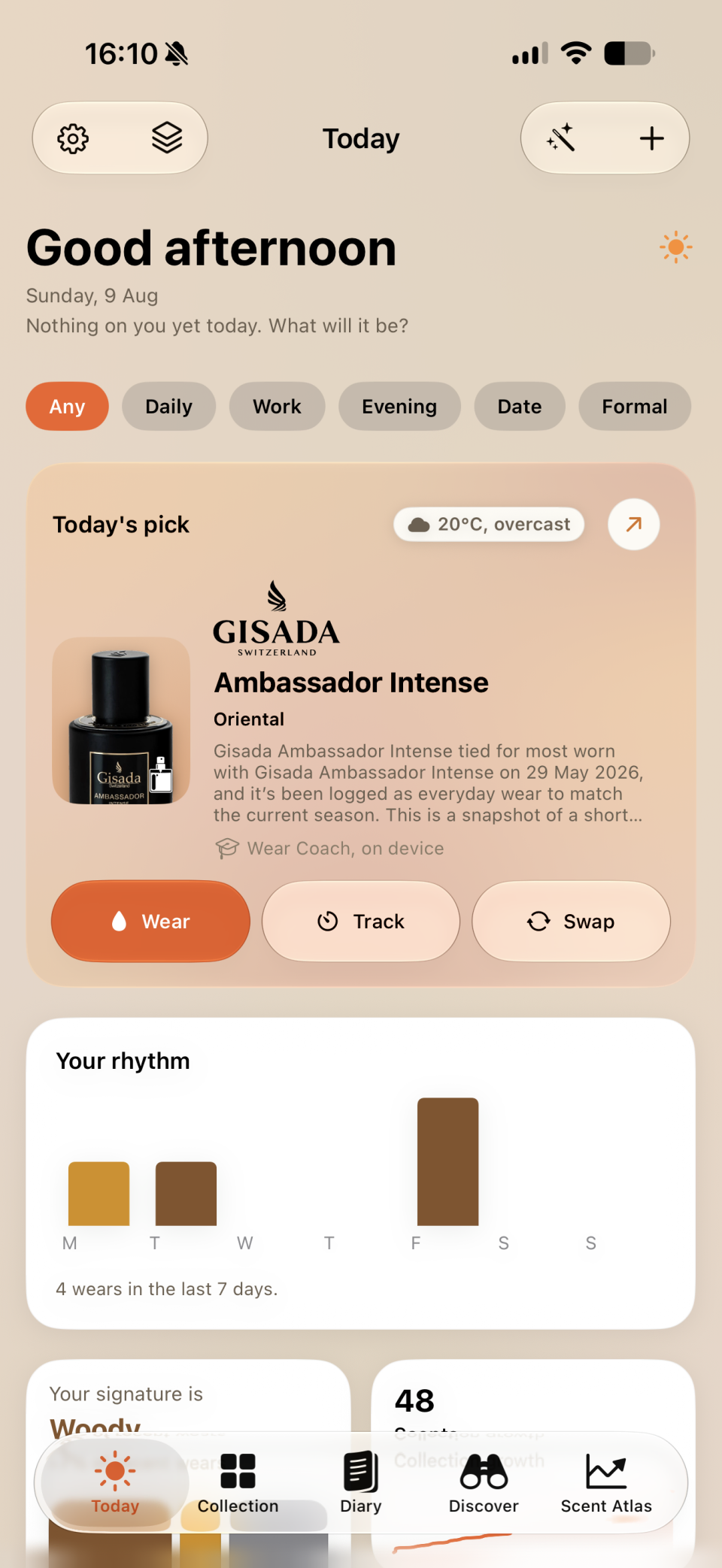
What would you like to wear again?
Revisit a sample, choose from an overlooked shelf, or repeat a layering combination. Find the part of Orrique that helps.
Keep an honest impression
Keep your own impression of a fragrance, including the ones you decide against, in a private journal.
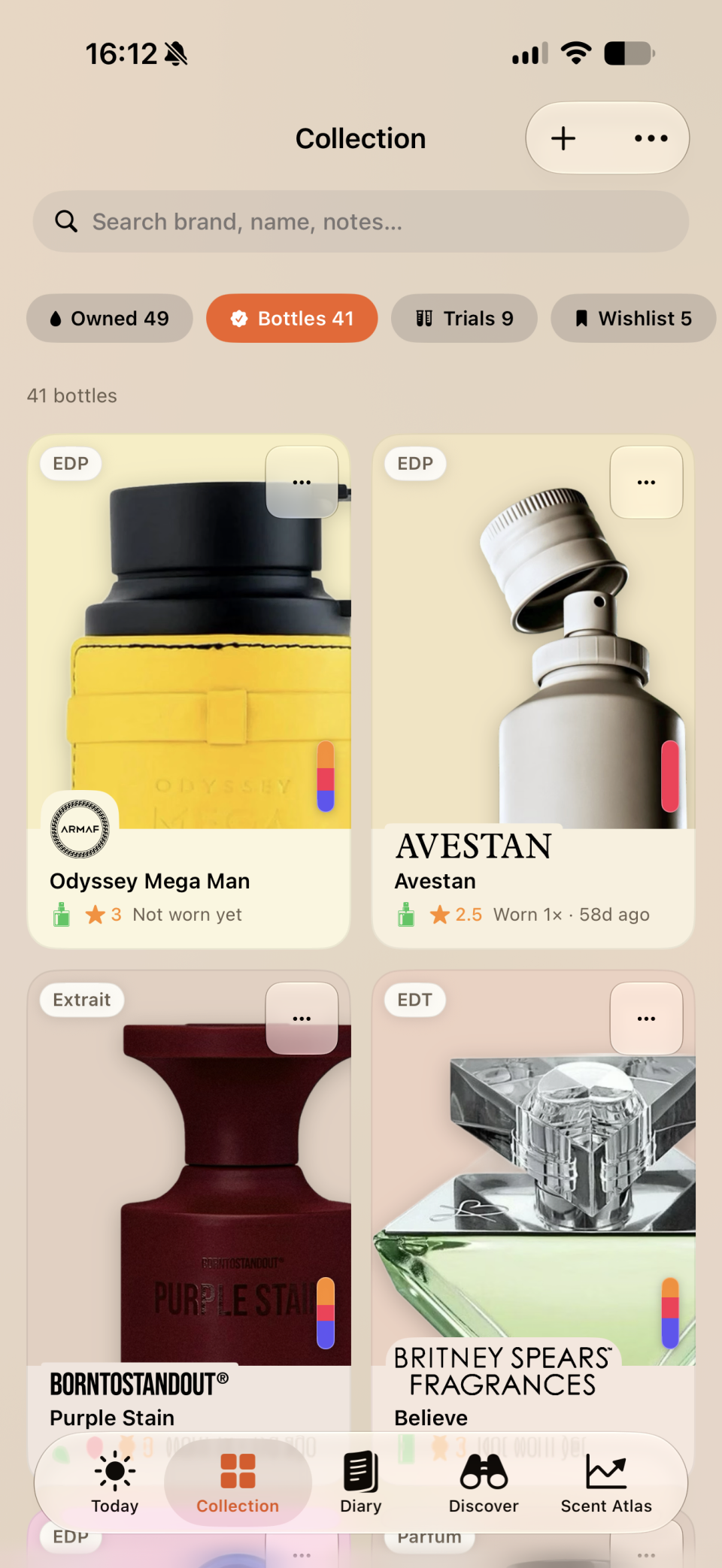
Find the sample you tried
Check the samples you have tried, the bottles you own, and what you wanted to wear again before buying.
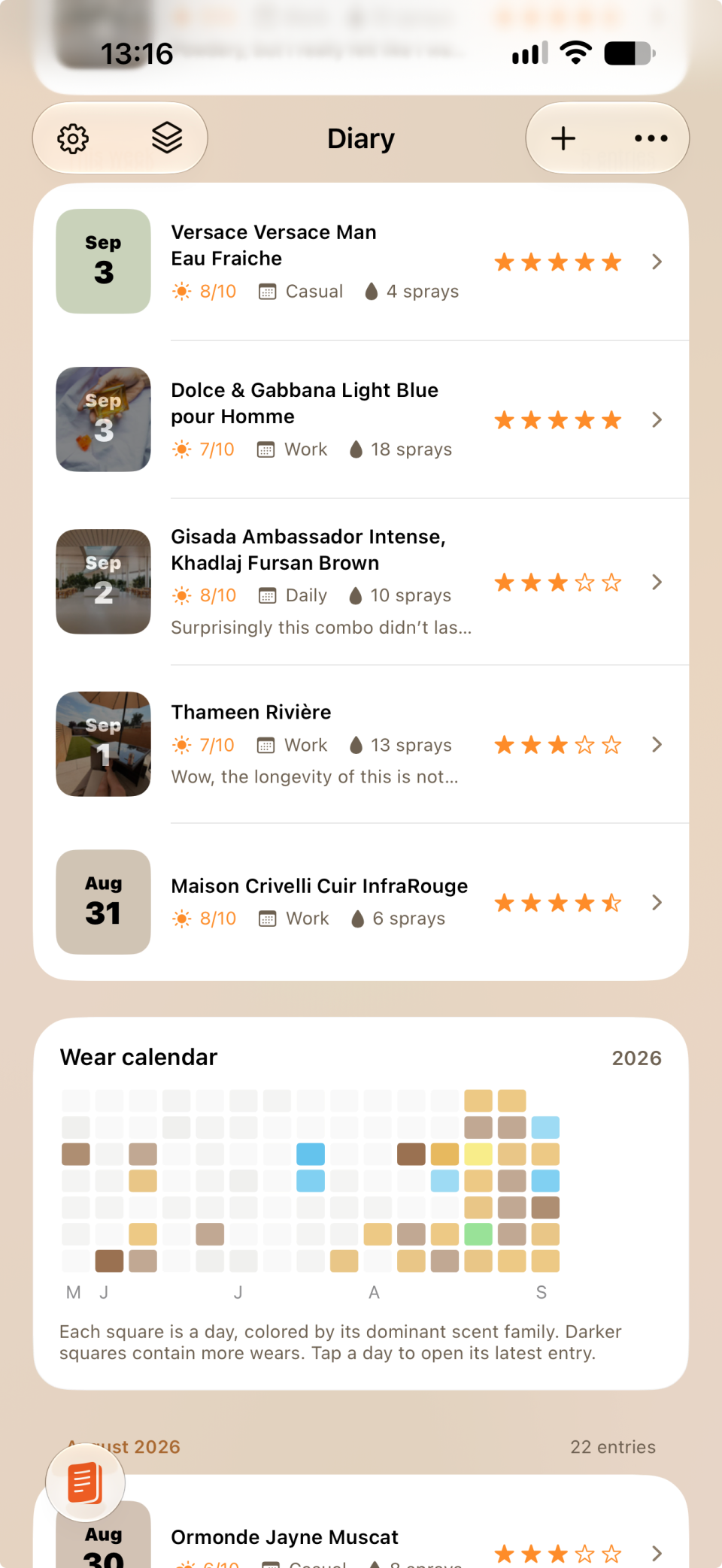
Follow a fragrance through the day
Record what you noticed after the first spray, how long a fragrance lasted, and whether you wanted to wear it again.
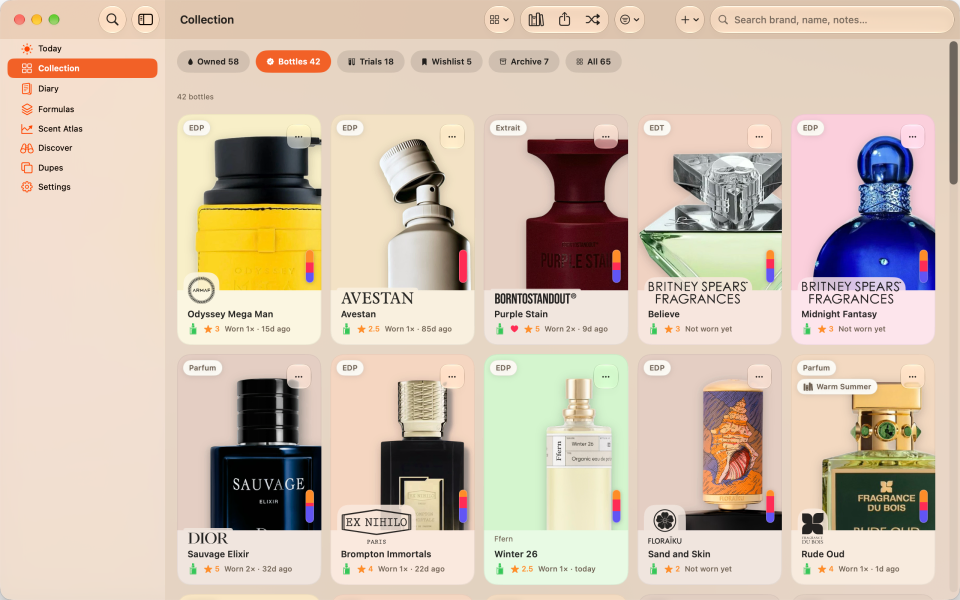

Log now, add the details later
Log a wear quickly, then return to add a photo or browse your collection on a larger screen.
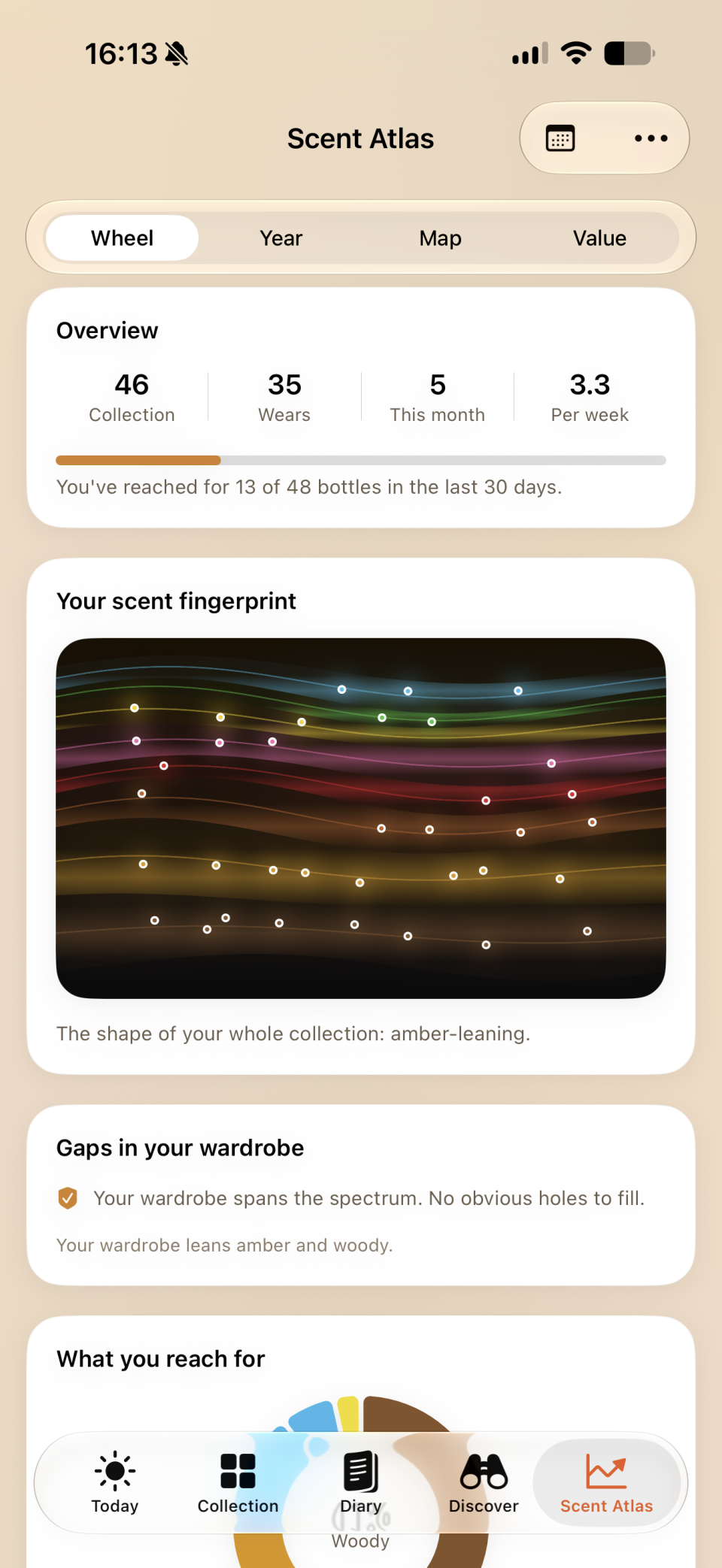
Notice what you keep reaching for
See which fragrances you reach for, which you overlook, and what that suggests for your next sample.
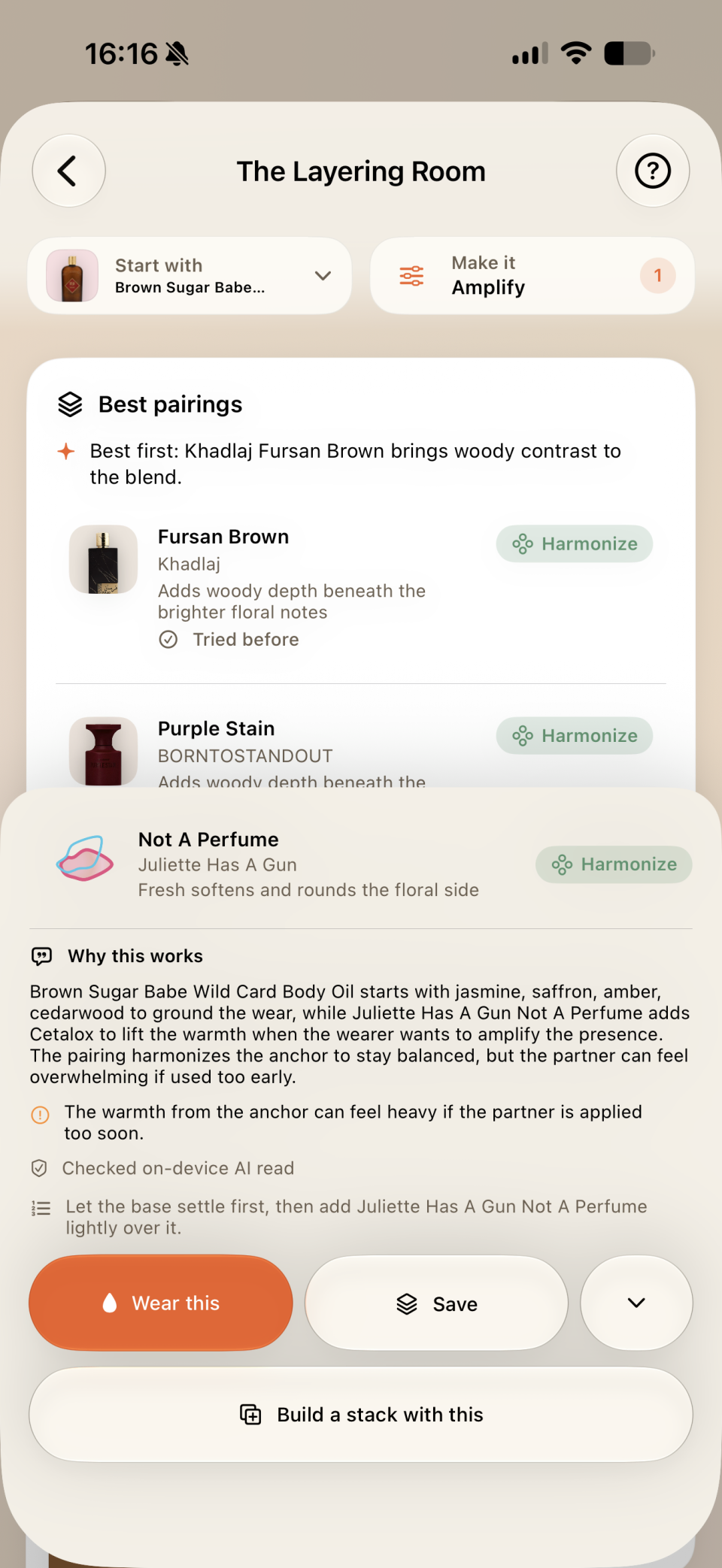
Repeat a combination you liked
Keep the spray counts and application order of a combination you liked, so you can try it again.